Everything in its place.
Tidy is a to-do app for people with real work to do. Dump it all in the inbox, decide once where it goes, and get a Today list short enough to believe.
Signing in uses your portal account.
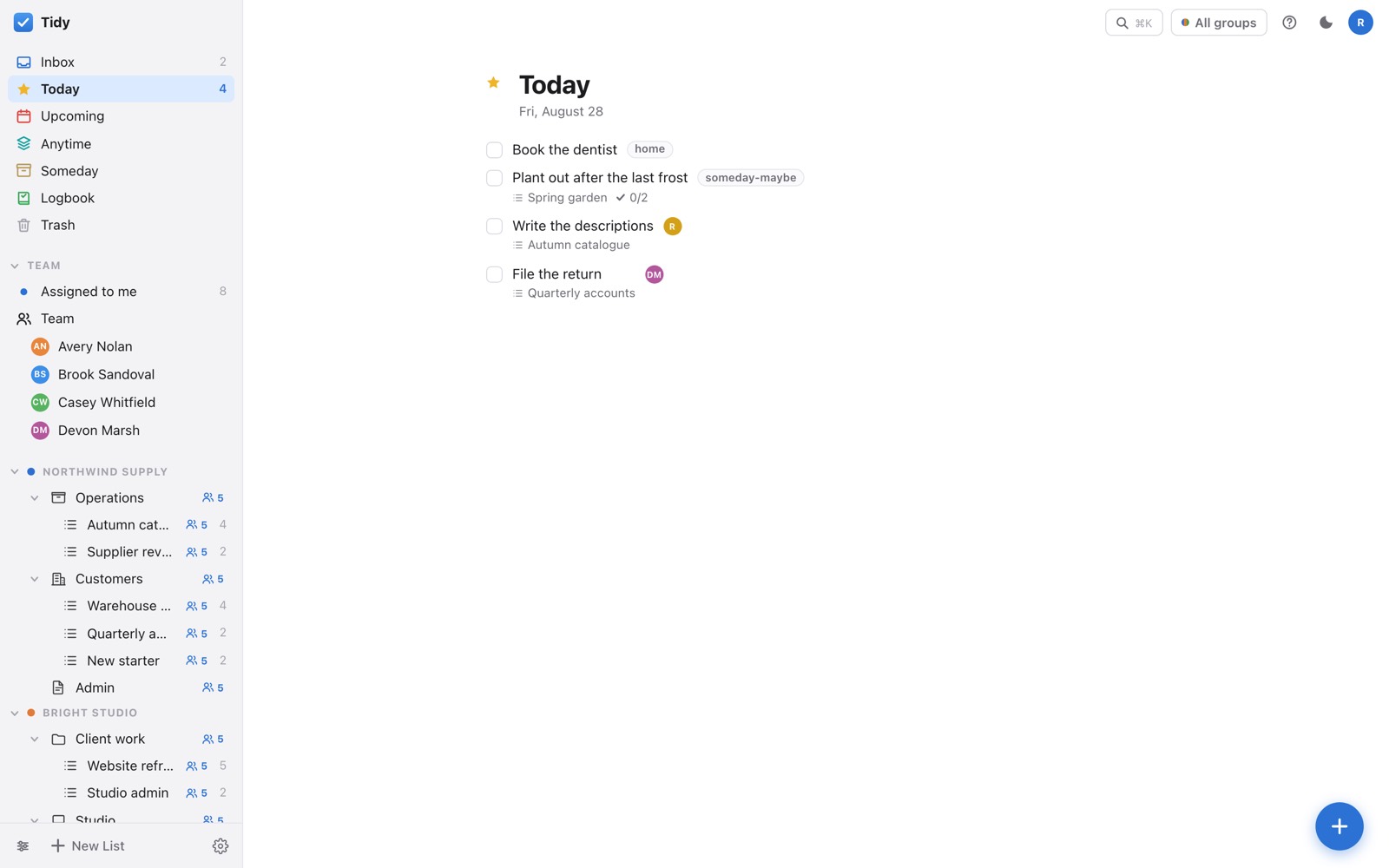
Tidy is a to-do app for people with real work to do. Dump it all in the inbox, decide once where it goes, and get a Today list short enough to believe.
Signing in uses your portal account.
Capture
The hardest part of any list is the moment you think of something while doing something else. Tidy takes it in one keystroke and asks nothing of you until later.
Press N anywhere and type. It lands in the Inbox, and the Inbox is nobody's but yours.
Today, a date, Anytime, or Someday. Someday is a real answer, not a graveyard.
Steps, notes, comments and attachments all live on the to-do, not scattered across other apps.
Every N days, weeks, months or years — or counted from when you actually finished the last one.
Plan
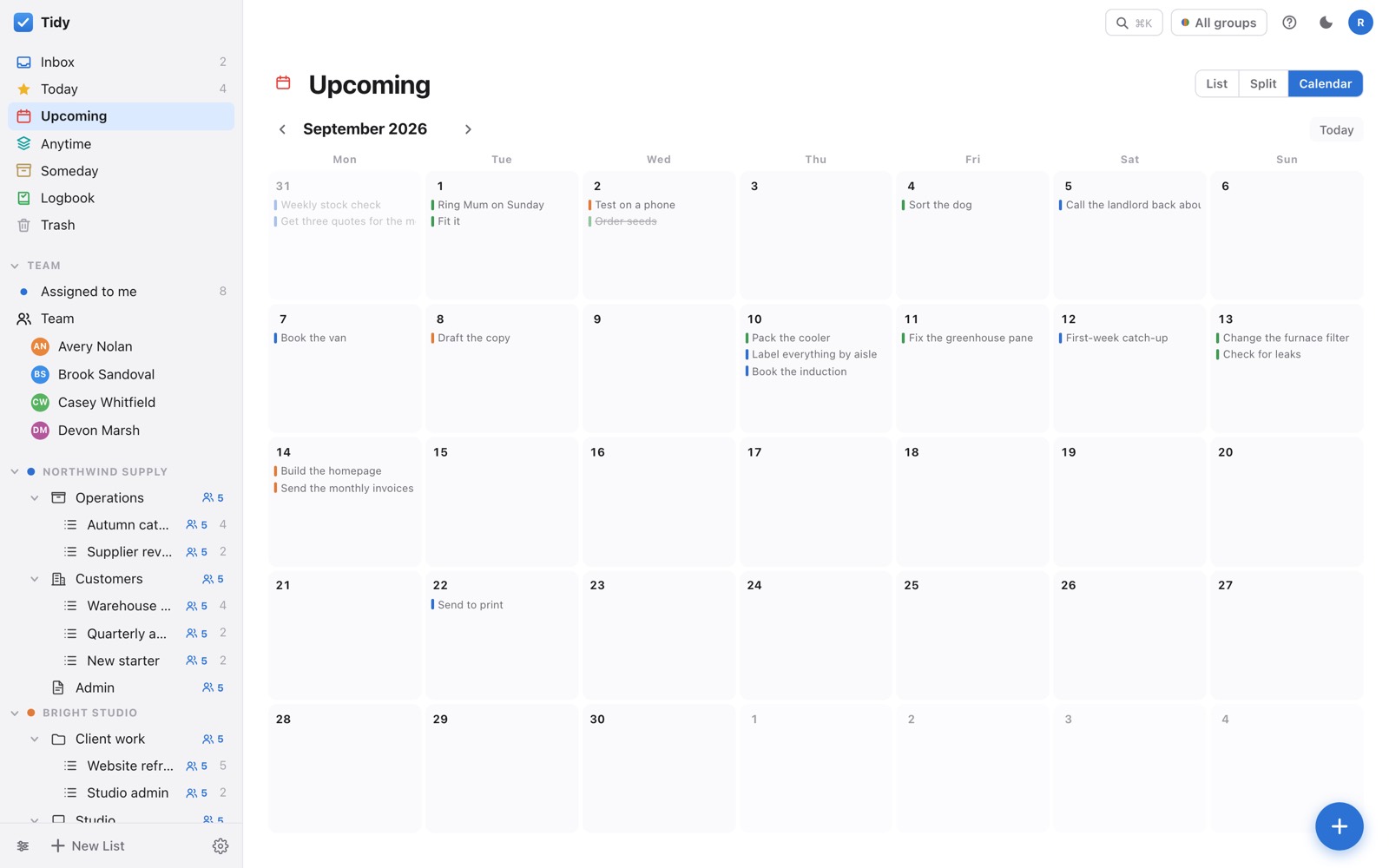
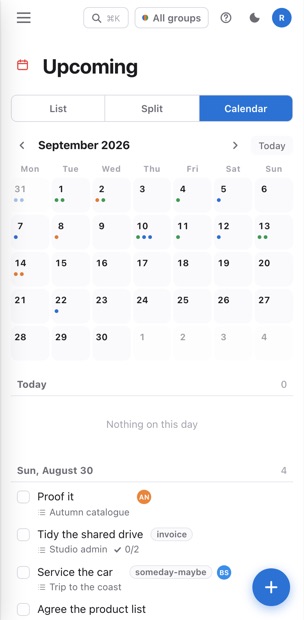
A whole month, sized to the window, so it is one glance rather than a scroll. Every to-do is coloured by the group it belongs to — which is how you spot the week where one client has quietly taken over.
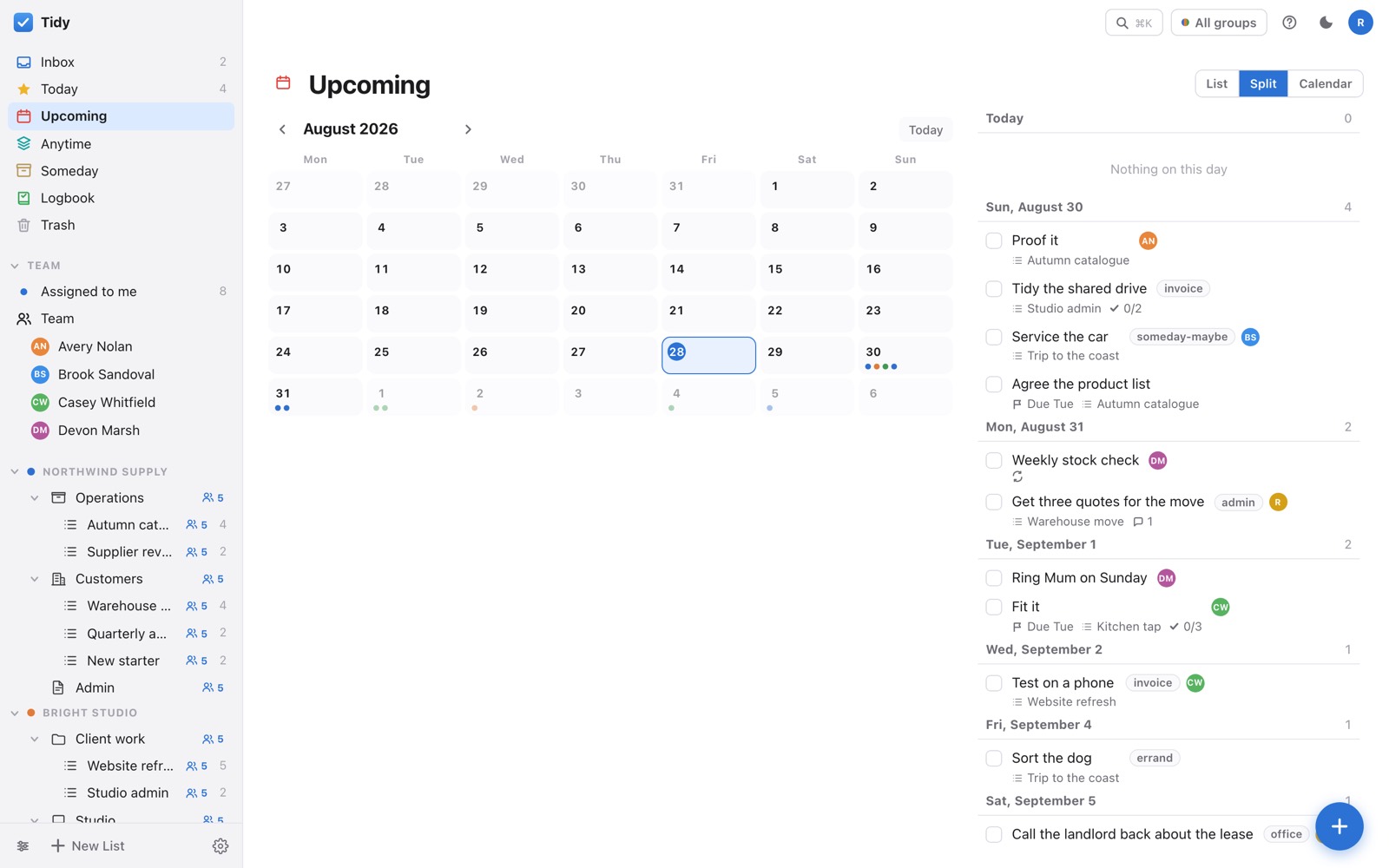
Split view puts the month beside the work. Pick a day on the left and the list on the right narrows to it — useful when you are trying to find somewhere to put a job rather than just reading what is already booked.
Which layout you prefer is remembered per device, so your laptop and your phone can disagree.
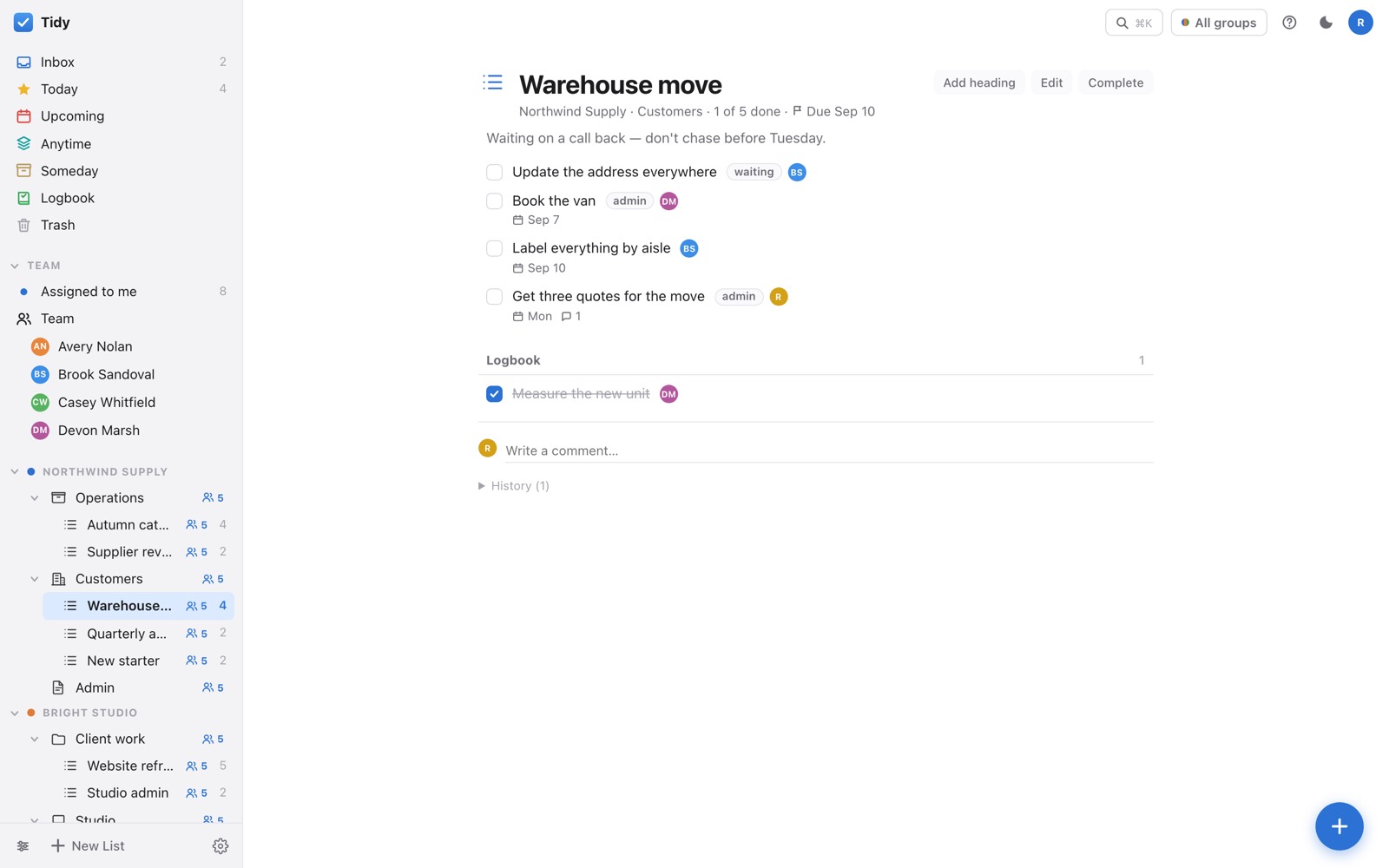
A project has an end, so it has a progress ring. An area is a standing responsibility — Admin, Maintenance, Household — and just keeps holding work.
Long projects break into headings. Finished projects go to the Logbook with a Reopen button, rather than vanishing the moment you tick them.
Together
A group is the people you share work with. Put an area or a project in a group and everyone in it sees the work — without seeing anything else you keep here.
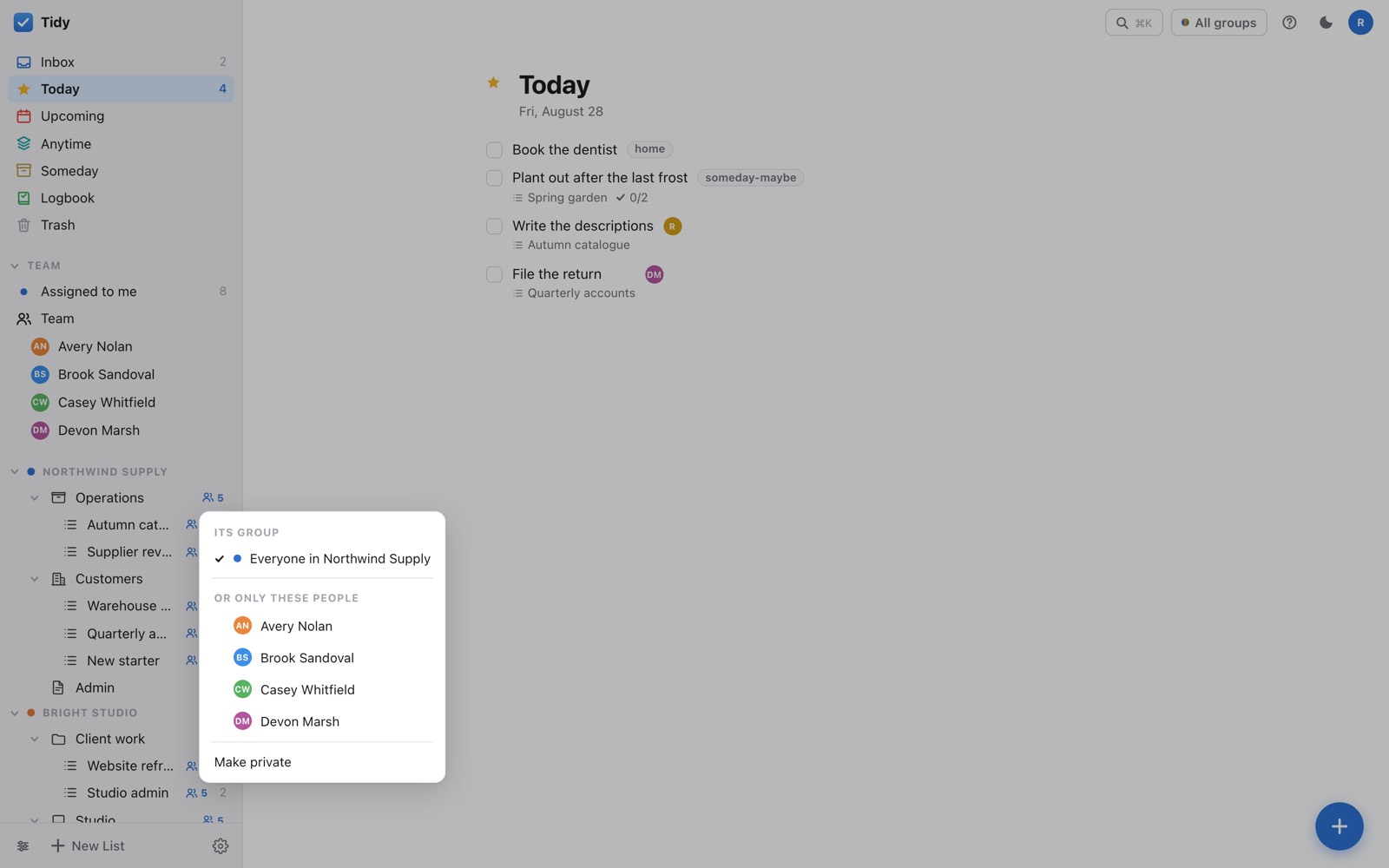
Every list says who can see it: everyone in its group, only the people you pick, or nobody but you. The icon carries the answer, and names the group.
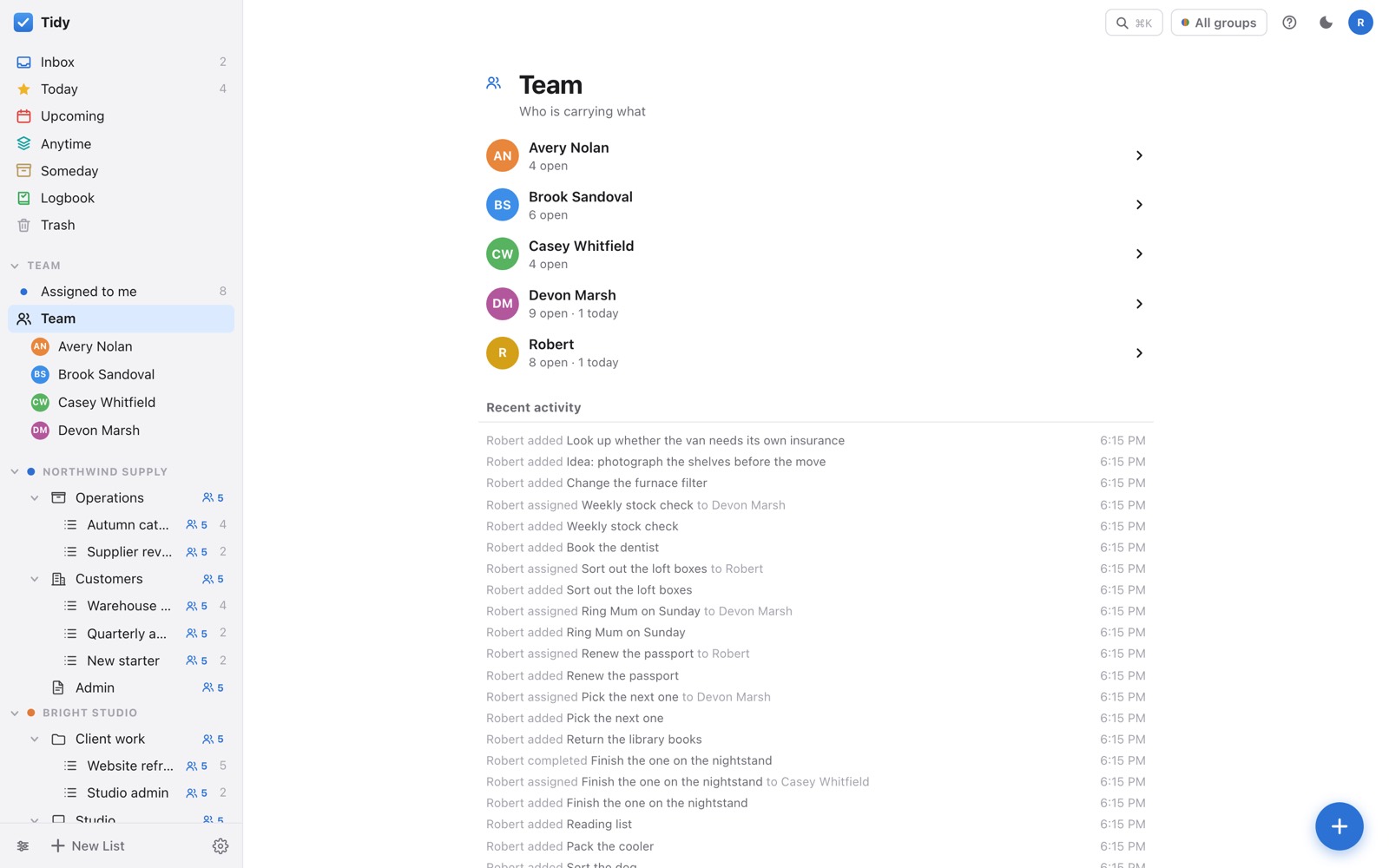
Assign anything to anyone who can already see it. Their face rides along on the row, so a shared list reads as work with owners rather than a pile.
The team view puts everyone side by side with what is open, what is overdue and what they have on today. Changes appear on everyone's screen within a second.
On a phone
Not a cut-down companion — every feature is here. Swipe right to tick something off, left to delete it. Pickers slide up from the bottom where your thumb already is.
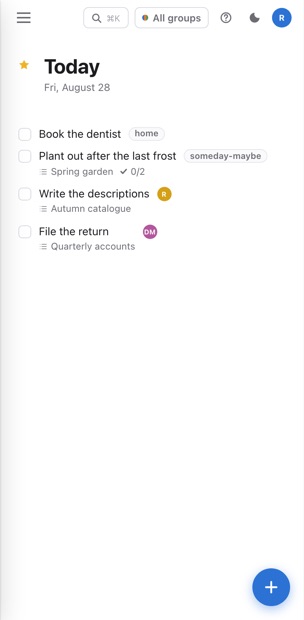
Right to complete, left to delete. Press and hold to drag, so a swipe and a drag never fight.
It installs like an app and opens without browser furniture.
The app is on the device. Changes you make offline queue up and go the moment you're back.
Nothing lost
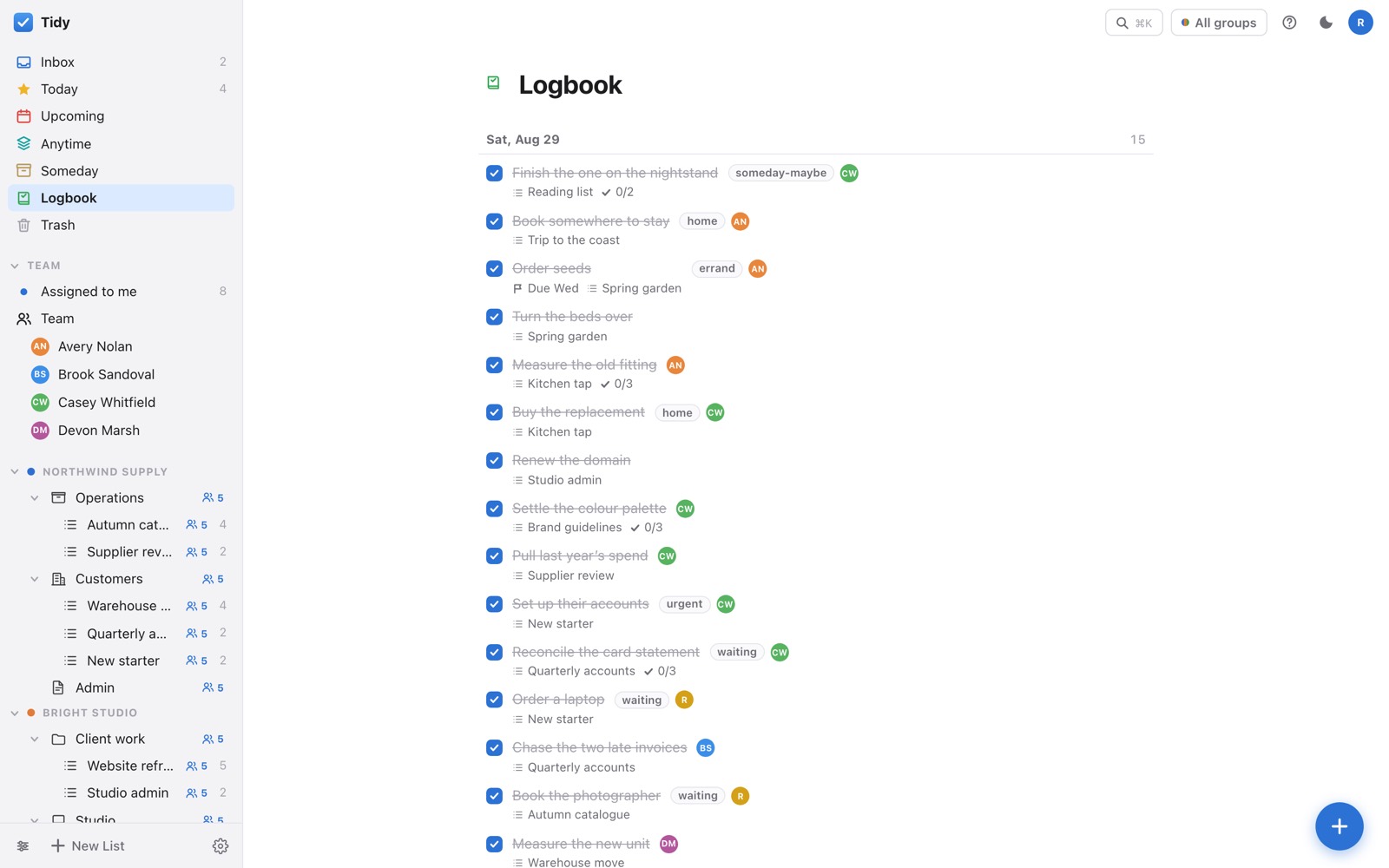
Finished work goes to the Logbook, newest first, and un-ticking brings it back exactly where it was. Completed projects are listed there too, each with Reopen.
Deleted things wait in Trash until you say otherwise. History is a running log of what changed and who changed it, so "when did this move?" has an answer.
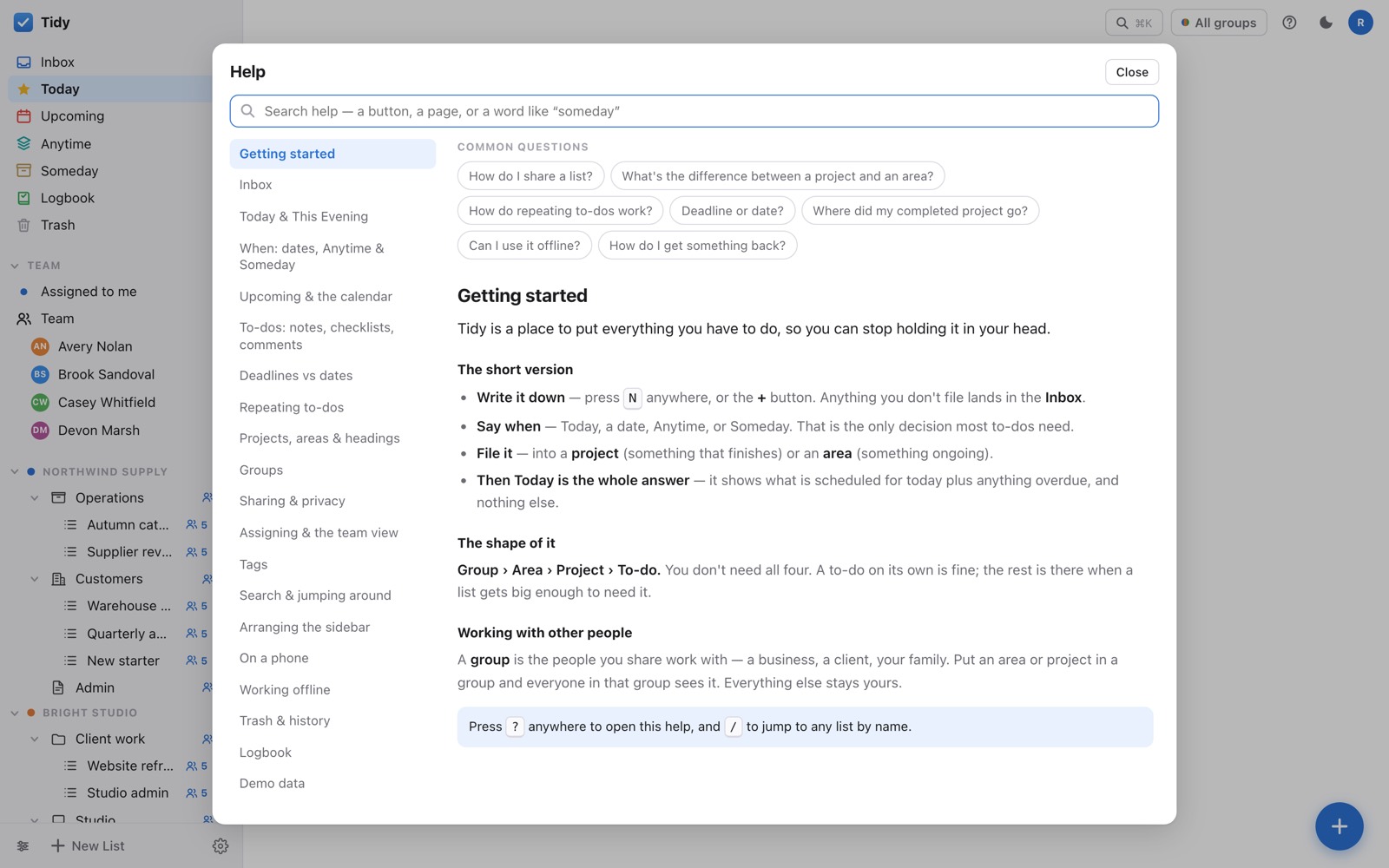
Press ? anywhere. Every feature is written up, and the search goes to the paragraph that answers you rather than the top of a long page.
It opens on whatever page you were looking at, so the answer is usually already on screen.
Getting going
Put everything in the Inbox without deciding anything about it. That part is meant to be fast and thoughtless.
A day or Anytime, and a project or area. Most things need nothing else, ever.
Everything else is filed and will surface on the day it matters. That is the whole point.
Only you, unless you put something in a group or share it with named people. Your Inbox is never shared.
Tidy uses your portal account — the same sign-in as the other apps. There is no separate password.
The last change to arrive wins, and the earlier one is still in that item's history. Nothing is silently dropped.
Yes — Settings has a demo workspace with sample data. It is a separate database, and a red bar takes you back.
Yes. Issue an API token in Settings and the same endpoints the app uses are available to your own scripts.
Fully — including offline. Add it to your home screen and it behaves like any other app.